Source: https://datafa.st/docs/scroll-tracking
Markdown source: https://datafa.st/docs/scroll-tracking.md
Description: Automatically track when visitors scroll to specific sections of your page using simple HTML data attributes.
# Track scroll events
Automatically track when visitors scroll to specific sections of your page like features, testimonials, pricing, CTA, etc.
## Simple setup
Add a `data-fast-scroll` attribute to any HTML element to track when it becomes visible:
```html
Pricing
Choose the perfect plan for your needs
```
When a visitor scrolls and this section becomes **50% visible**, DataFast will automatically send a `scroll_to_pricing` goal.
### How it works
- **Visibility threshold:** By default, the goal triggers when **50% of the element** is visible in the viewport
- **Instant tracking:** Goals are sent **immediately** when the threshold is reached (no delay)
- **One-time tracking:** Each element only triggers once per page visit to avoid duplicate goals
## Use cases
Track engagement with important page sections:
```html
```
## Goal name validation rules
The goal name in `data-fast-scroll` follows the same rules as [custom goals](/docs/custom-goals):
- Use lowercase letters, numbers, underscores (_), hyphens (-), and colons (:) only
- Maximum 64 characters
- Examples: `scroll_to_pricing`, `viewed_hero`, `read_features`, `scroll:pricing`
## Analysis
Once set up, you can:
- View scroll goals in your [custom goals](/docs/custom-goals) section
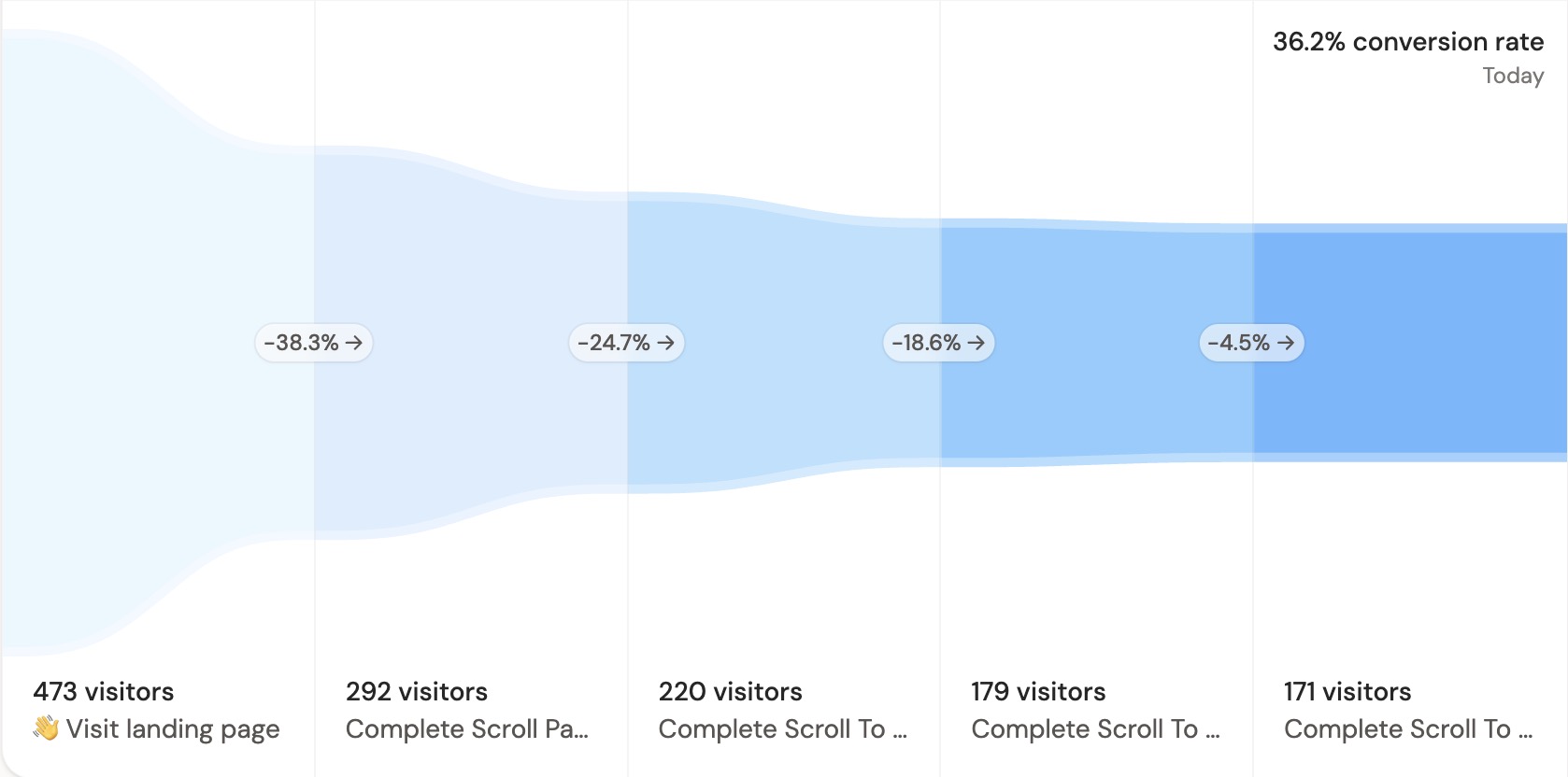
- Use scroll goals in [conversion funnels](/docs/conversion-funnels) to understand user engagement flow
- Filter your analytics by visitors who reached specific sections
> **Tip:** Combine scroll tracking with [conversion funnels](/docs/conversion-funnels) to see how section visibility impacts conversions.
## Advanced configuration
Customize the visibility threshold and delay using additional data attributes:
```html
Ready to get started?
```
### Configuration options
- **`data-fast-scroll-threshold`** (optional): How much of the element should be visible before triggering (0.1 = 10%, 1 = 100%). Default: `0.5` (50%)
- **`data-fast-scroll-delay`** (optional): How long to wait (in milliseconds) after the element becomes visible before sending the event. Default: `0` (no delay)
> For complete reference of all tracking script configuration options, see [script configuration documentation](/docs/script-configuration).