How to get started:
- Go to your dashboard and pick a website
- Select "Custom" in the time picker
- Choose the time range
Something missing? Suggest features ✍️
You can now view your web analytics for specific dates

Our servers now run the patched versions of Node.js. Your data is safe and there's nothing you need to do.
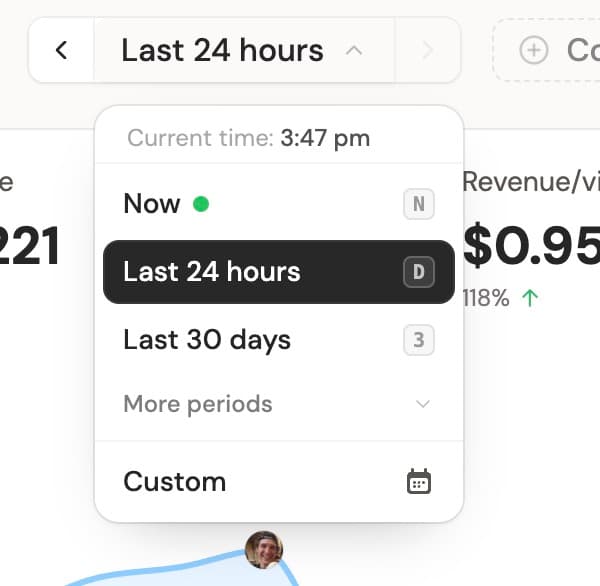
Keep your period selector tidy by pinning the time ranges you use most on each website.
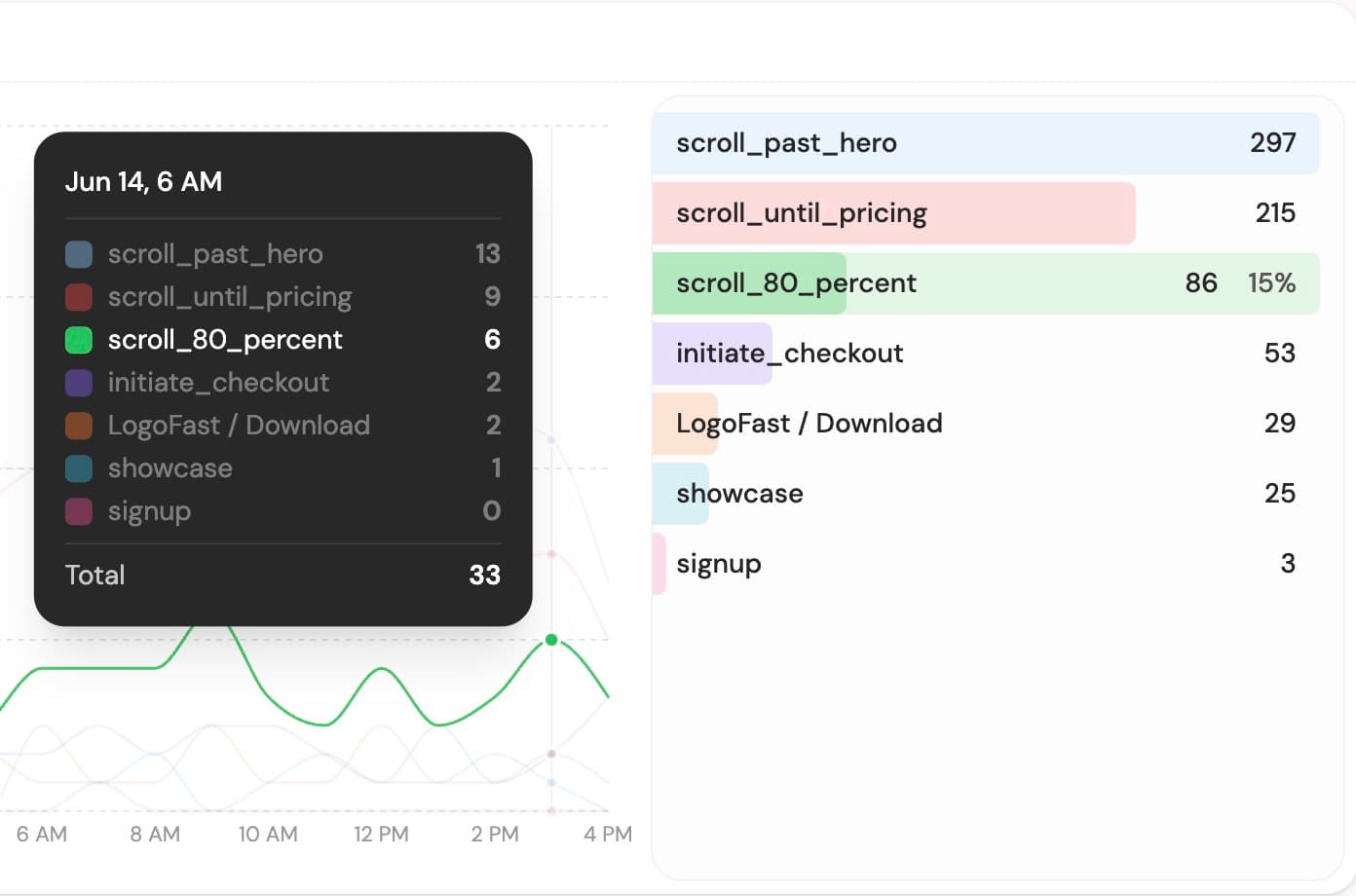
Explore custom goal parameters through the API, and connect MCP clients with your DataFast account.
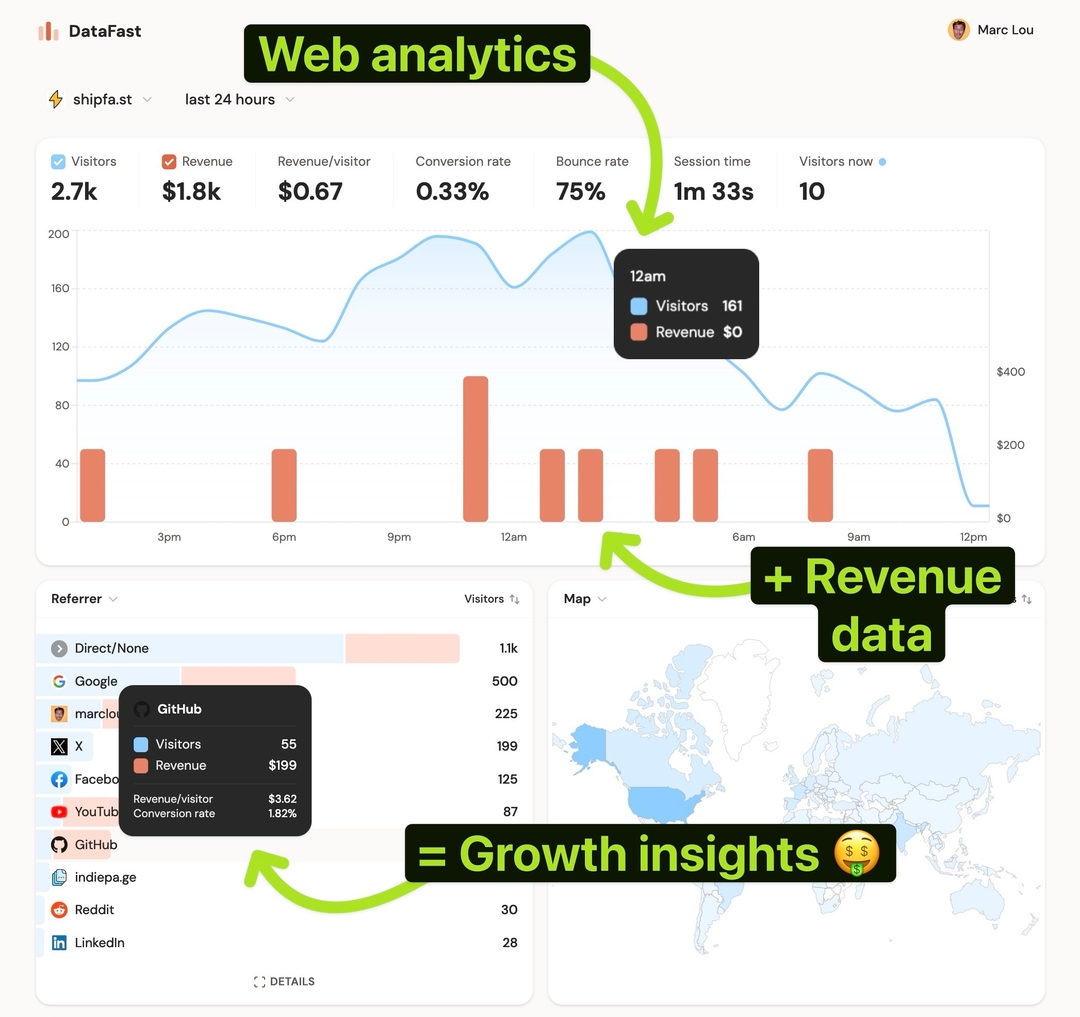
Discover which marketing channels bring customers so you can grow your business, fast.