DataFast now speaks MCP 🤖
The DataFast MCP server is live and available to everyone.
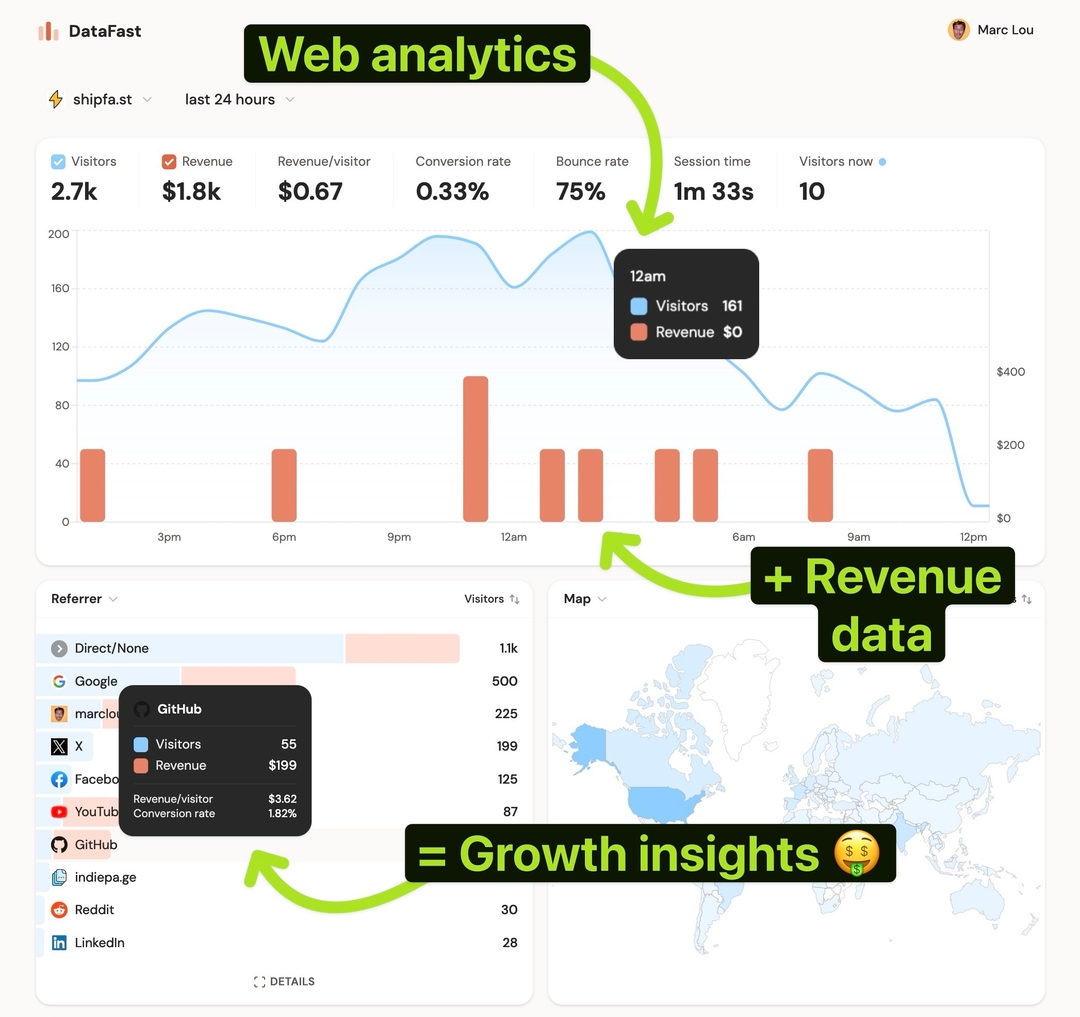
Connect DataFast to Codex, Claude Code, Cursor, or any MCP-compatible client, then use plain English to explore your analytics and manage your account. Ask your agent to explain a traffic spike, find the visitors who reached your pricing page, compare revenue sources, or check how a funnel is converting.
Your agent can also help you:
- Query analytics, visitors, traffic sources, pages, revenue, and funnels
- Create and update goals, funnels, and alerts
- Manage websites, team members, account tokens, and website API keys
- Check integration status and automate recurring reporting workflows
Connect in two steps
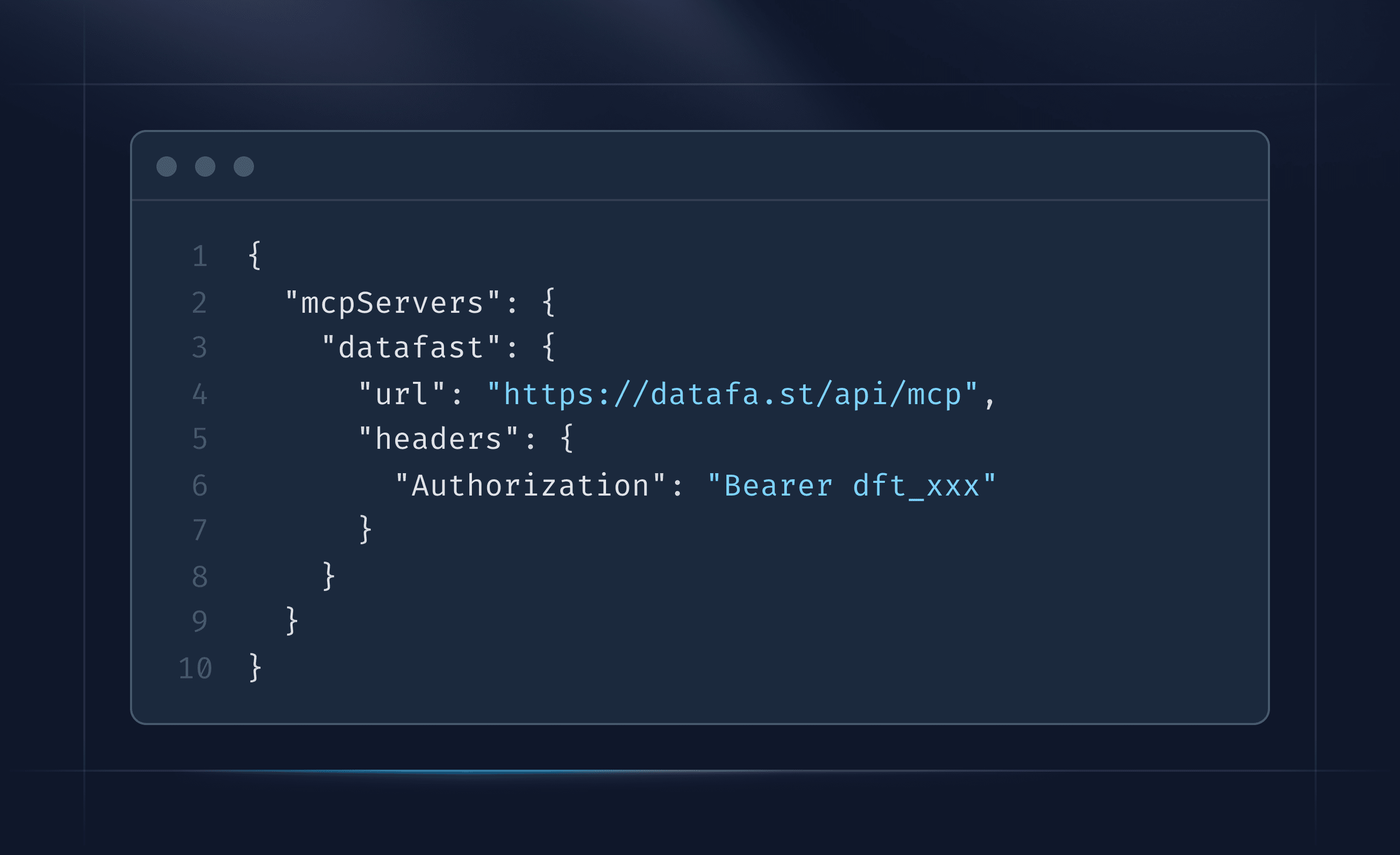
- Create an account token from Account Settings → API / MCP.
- Add
https://datafa.st/api/mcpto your MCP client with that token.
Read the MCP setup guide for ready-to-copy instructions for Codex, Claude Code, Cursor, and other clients. You can also browse the complete MCP tool reference to see everything your agent can do.
Built-in permissions and safety
Your token controls which websites and actions the client can access. Sensitive actions require explicit confirmation, while website deletion and payment connections stay dashboard-only.