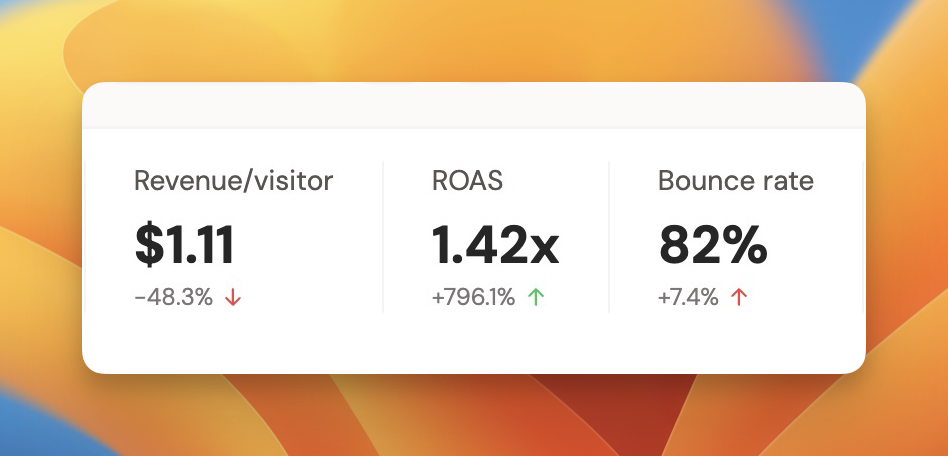
With paid ads, one number decides everything: ROAS, which is revenue divided by ad spend. Below 1, you're losing money on every click. The problem is most founders never see their true ROAS.
Why this matters
Meta's own dashboard optimizes for Meta. It counts modeled and view-through conversions that may never have paid you. Scale on inflated numbers and you burn cash. You need ROAS measured against revenue you can actually verify.
Why most analytics tools can't tell you
Ads Manager knows your spend but not your real revenue. Your analytics tool knows traffic but not your ad spend. Stitching them together usually means exports and spreadsheets.
How DataFast does it
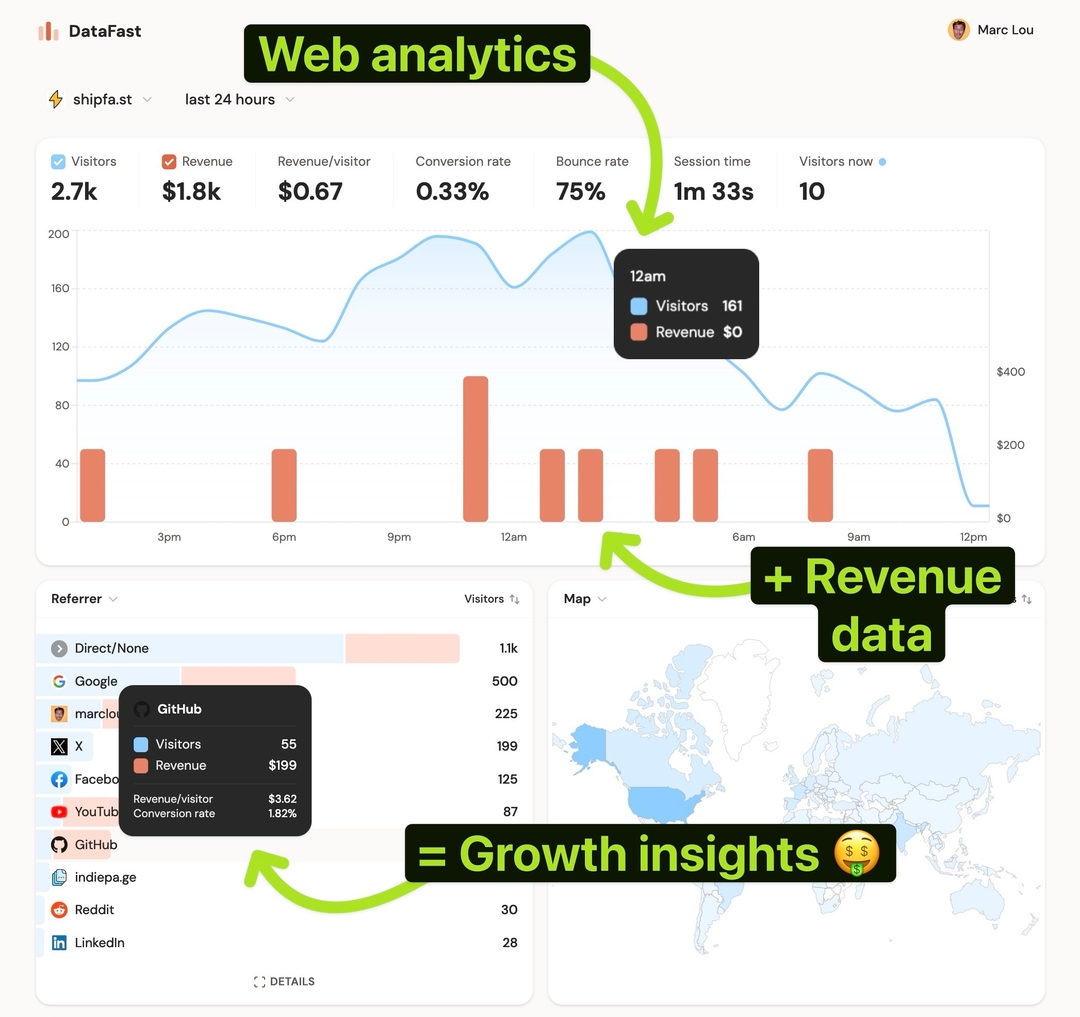
DataFast connects Meta Ads, pulls spend per campaign, and combines it with your attributed revenue, so ROAS appears as a KPI next to your other metrics, and ad spend shows up in your Source card.
How to do it
- Connect your payment provider and set up revenue attribution
- Connect Meta Ads in Website Settings → Integrations and pick the campaigns to track
- Add consistent UTMs to your ads, for example:
utm_source=meta&utm_medium=paid-social&utm_campaign={{campaign.id}}&utm_content={{ad.id}}
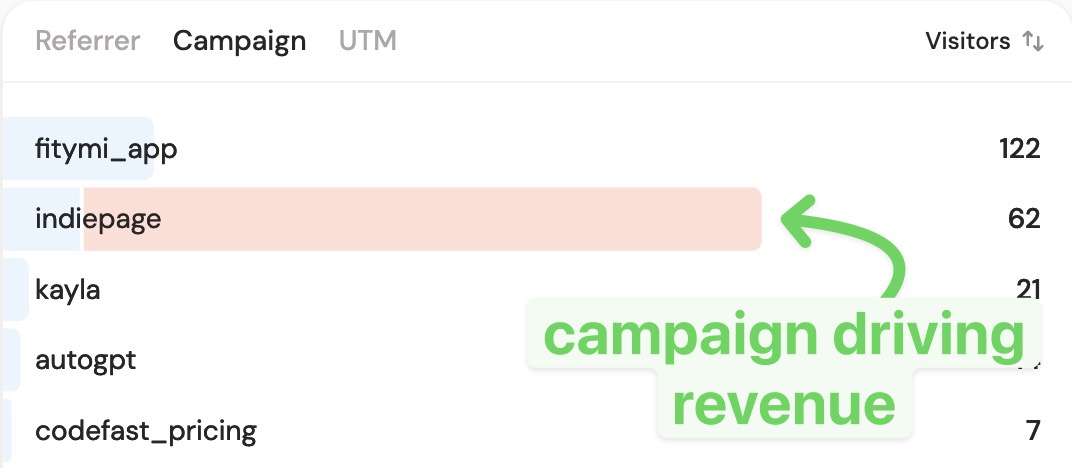
- Read ROAS at the top of your dashboard and revenue per campaign in the Campaigns tab
DataFast and Ads Manager will differ, that's expected. DataFast counts revenue it can verify through your site and payments, which is the number that protects your budget.