Offline marketing (flyers, packaging, booths, posters) feels impossible to measure. But a QR code is just a link, and links can be tracked.
Why this matters
If you spend on print, events, or packaging, you need to know it drives more than goodwill. Attributing scans to revenue tells you which offline channel is worth reprinting and which to drop.
Why most analytics tools can't tell you
Offline has no referrer at all. Without a tagged URL behind the QR code, every scan looks like "Direct" traffic and blends into the rest.
How DataFast does it
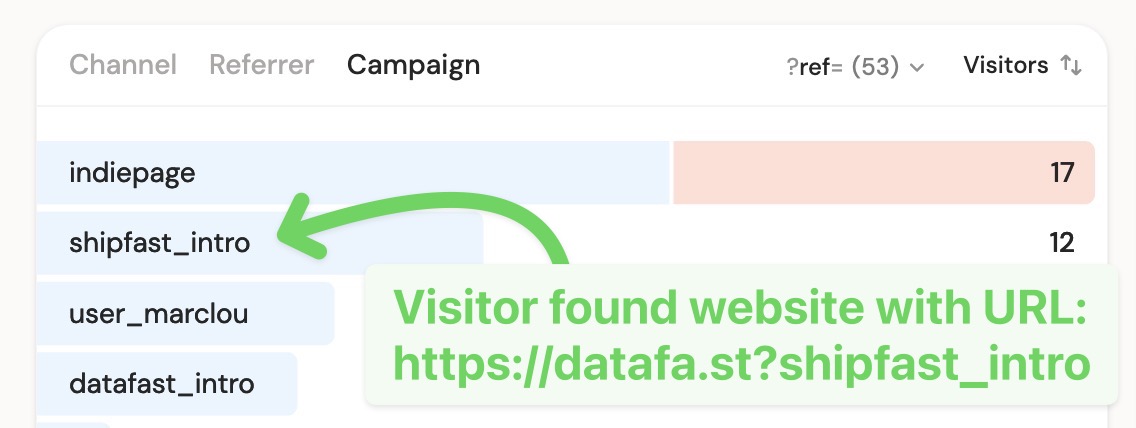
Encode a tracking parameter in the URL the QR code points to, and DataFast attributes every scan, conversion, and dollar to that code.
How to do it
- Build the URL first, then generate the QR code from it:
https://yoursite.com/?ref=qr-flyer
Compare placements with UTM (one code per URL):
https://yoursite.com/?utm_source=qr&utm_medium=print&utm_campaign=conference-booth
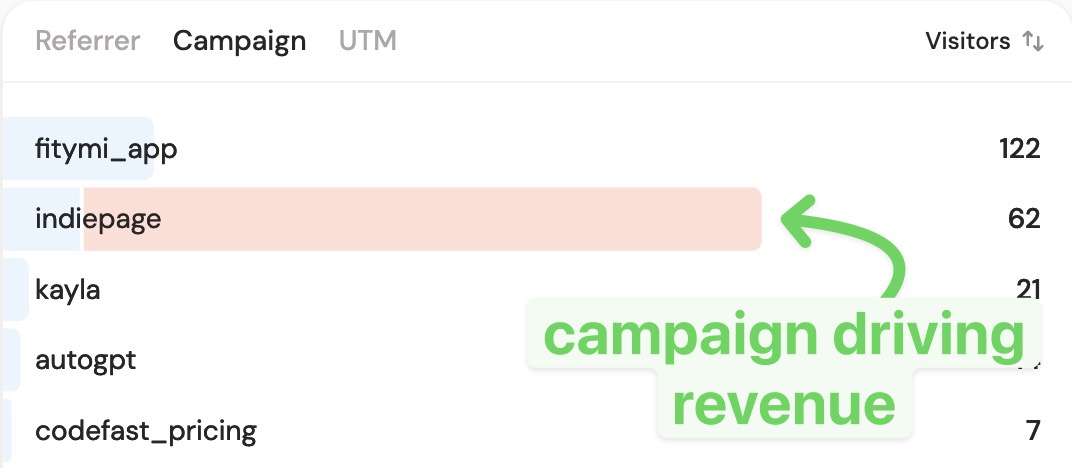
- Read scans and revenue per code in the Source card or Campaigns tab of your dashboard
- Scanners convert later, track a custom goal at checkout or build a funnel filtered to your QR source
Point QR codes at a clean landing page, not your homepage, for a sharper funnel.