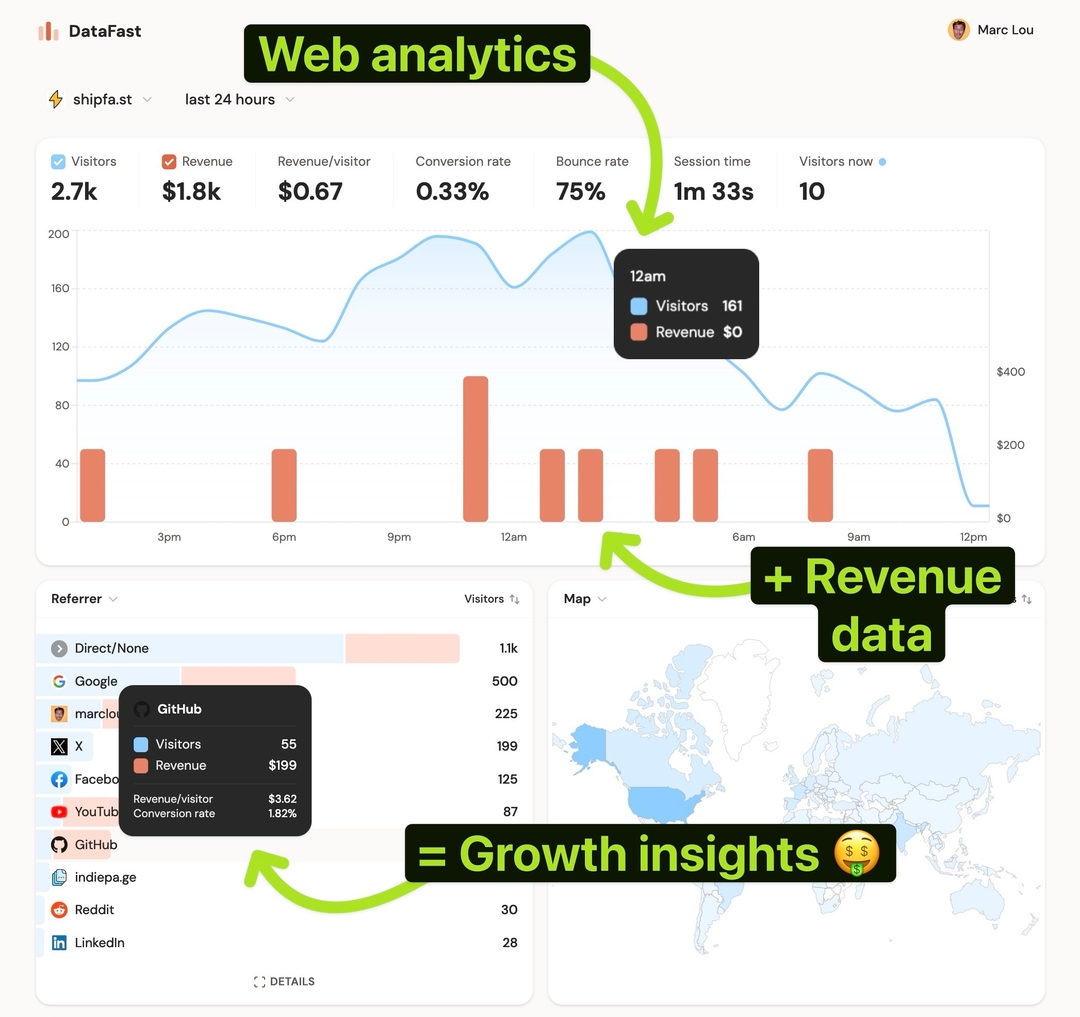
YouTube can send a flood of traffic, but it passes almost no referrer data, so most of it lands in Direct/None and you never learn which video paid off.
Why this matters
If you make videos, you're investing hours per upload. Knowing which video drives revenue tells you what content to make more of, where to put your link, and whether YouTube is worth the effort.
Why most analytics tools can't tell you
YouTube traffic often arrives without a referrer, so analytics tools dump it into "Direct." Without a clean tag, no tool, Google Analytics included, can separate YouTube revenue from everything else.
How DataFast does it
DataFast reads tracking parameters (ref, source, via, all utm_*) and attributes the resulting revenue automatically. Tag the link once and YouTube becomes its own line with real revenue.
How to do it
Add a parameter to the links in your description and pinned comment.
Simple (total YouTube revenue):
https://yoursite.com/?ref=youtube
Per video (which video earns):
https://yoursite.com/?utm_source=youtube&utm_medium=video&utm_campaign=my-saas-review
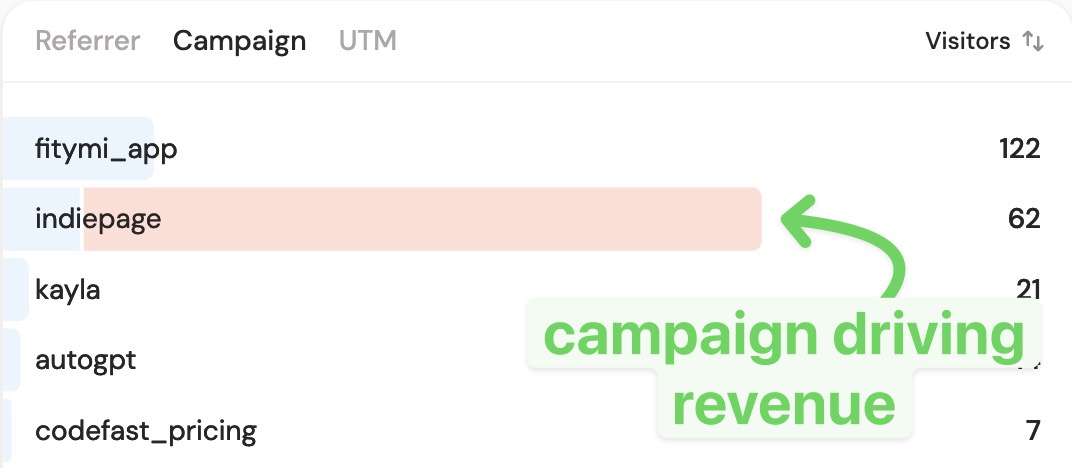
Then open your dashboard: the Source card shows YouTube revenue, and the Campaigns tab breaks it down per video.
Put the tagged link on the first line of the description so it's visible without expanding.