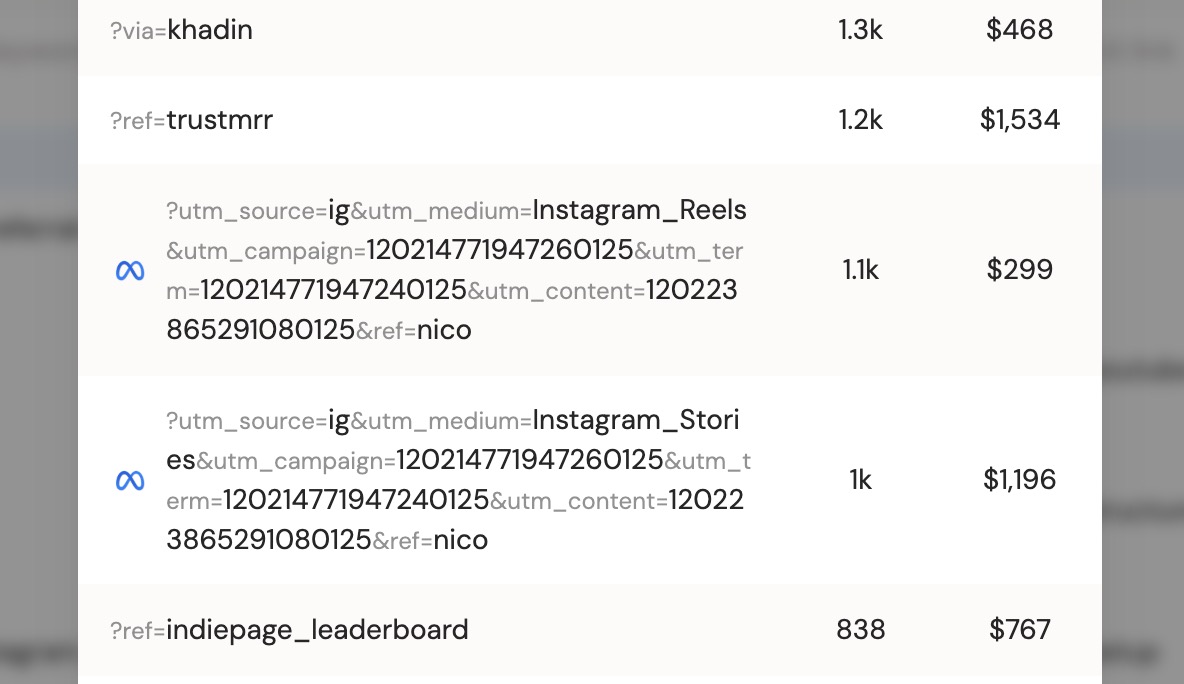
A newsletter sponsorship or podcast read can cost hundreds or thousands of dollars. The only honest way to judge it is revenue per dollar spent, not the impressions the sponsor reports.
Why this matters
Sponsorships are easy to overpay for. Real attribution tells you which placements to renew, which to drop, and how much a given audience is worth, so your ad budget compounds instead of leaking.
Why most analytics tools can't tell you
Sponsors report their own reach. Your analytics show "Direct" traffic around the time the placement ran. Neither connects the spend to your actual sales.
How DataFast does it
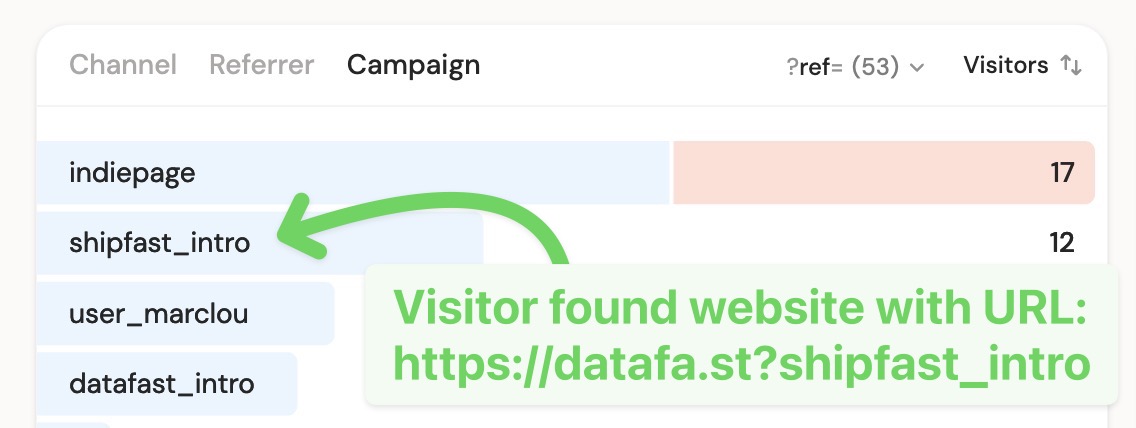
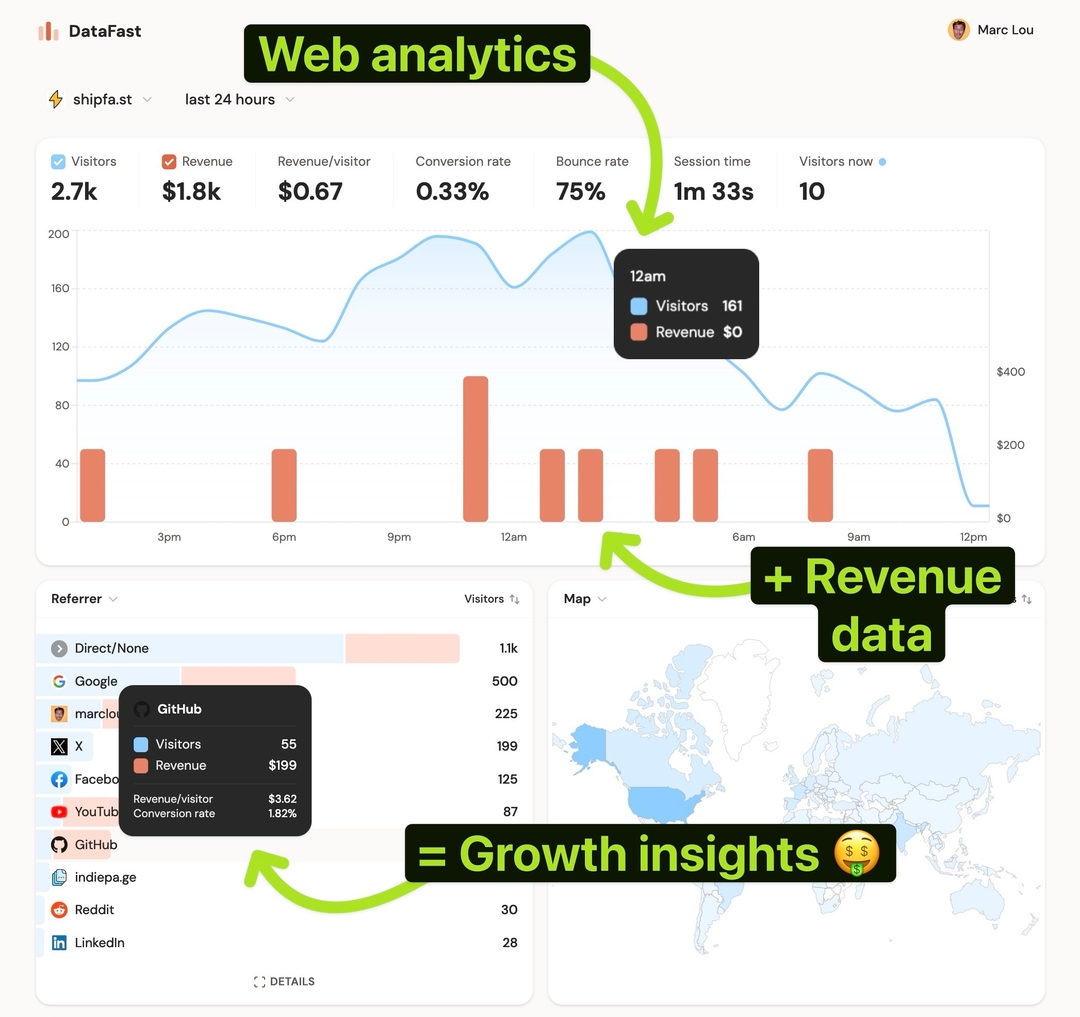
Give each sponsor a unique tracking link; DataFast attributes the revenue so you can compare it to what you paid.
How to do it
- One link per sponsor:
https://yoursite.com/?ref=sponsor-acme
Separate repeat placements with utm_campaign:
https://yoursite.com/?utm_source=acme&utm_medium=sponsorship&utm_campaign=march-issue
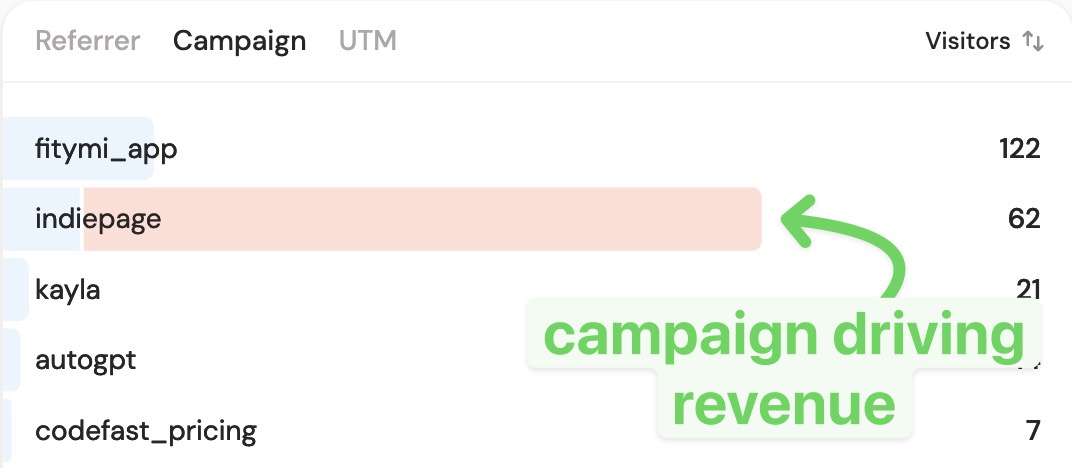
- In your dashboard, read attributed revenue per sponsor in the Source card or Campaigns tab
- ROI = attributed revenue ÷ cost. Use revenue per visitor to value small but high-intent audiences
Running paid ads instead? Connect Meta ads attribution for automatic ROAS.